
What Is Cloud Computing and How Does It Work for Business?

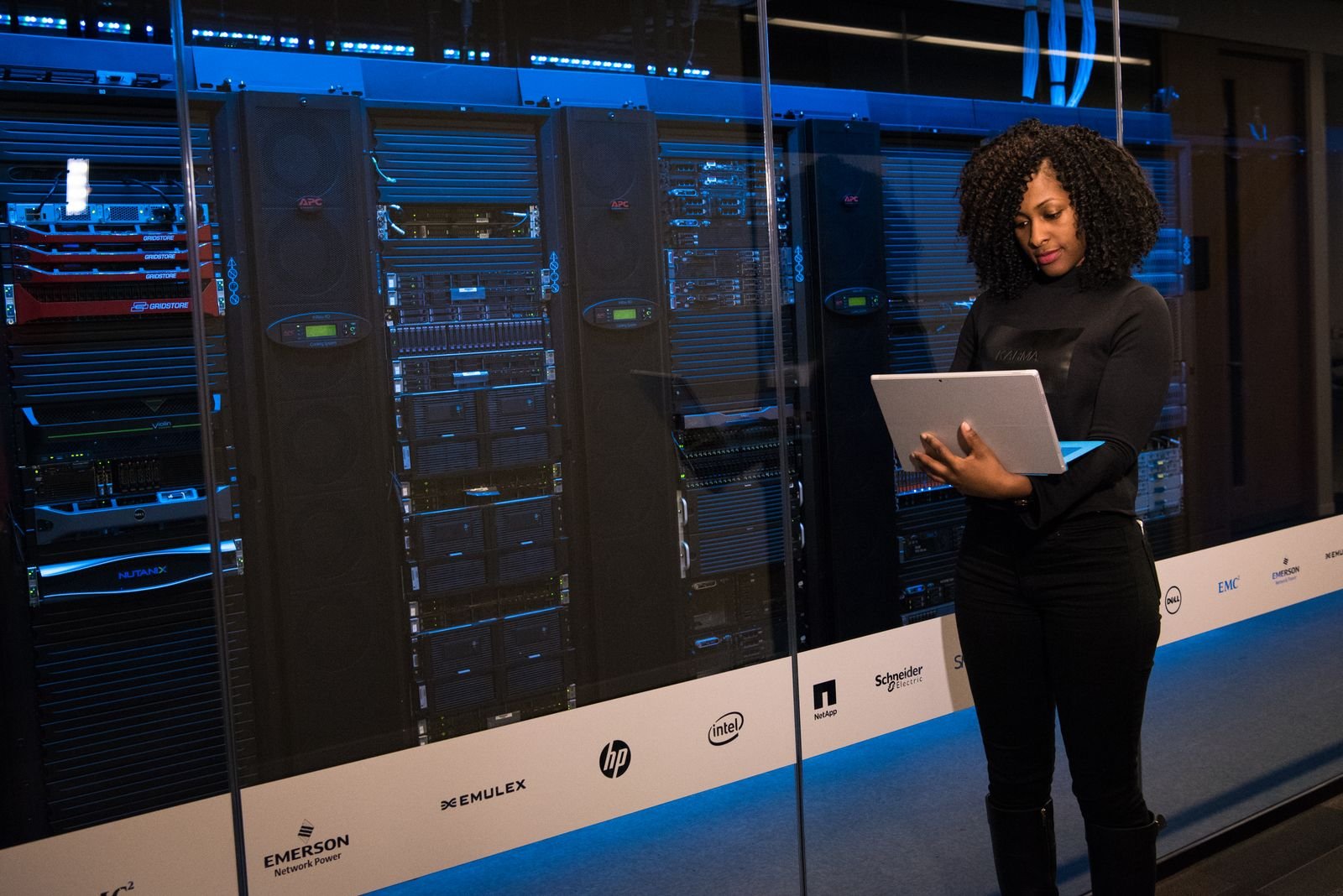
Picture a small candle shop that sells online. A normal Tuesday brings a couple hundred visitors and a handful of orders. Then a creator with a big following posts a photo of the lavender one, and within an hour the site is pulling ten times its usual traffic.
On a traditional server, that is a disaster. Pages crawl, checkout breaks, and the owner spends the weekend answering angry emails. On the cloud, the shop asks for more capacity, gets it in minutes, and pays for a few extra hours. Done.
That is the pitch, anyway. But how does it actually work, and what should a business watch out for? I have been writing about business tech for a long time, and the same questions come up again and again. So let us go through them one by one: the basics, cloud architecture, multi-tenancy, how to pick cloud solutions, security, and where things are heading.
What Is Cloud Computing?
Cloud computing is renting computing power, storage and software over the internet and paying only for what you use. That is really the whole idea. Instead of buying servers and keeping them in a back room, you use someone else’s machines and get billed like a utility.
The usual reference is the NIST definition of cloud computing, published by the US National Institute of Standards and Technology. It is short and surprisingly readable. NIST says a proper cloud service has five traits:
- You can set things up yourself, without phoning anyone.
- It works from any device with an internet connection.
- Many customers share one big pool of hardware.
- Capacity goes up and down with demand.
- Everything is metered, so the bill matches your usage.
Why bother listing them? Because plenty of products call themselves “cloud” when they are really just hosting with a new label. If you wait a week for a server and pay the same fixed fee whether you use it or not, it fails most of those tests.
How Does Cloud Architecture Work?
Cloud architecture is a stack of layers, with physical hardware at the bottom and the tools you click on at the top. Each layer hides the messy details of the one below it.
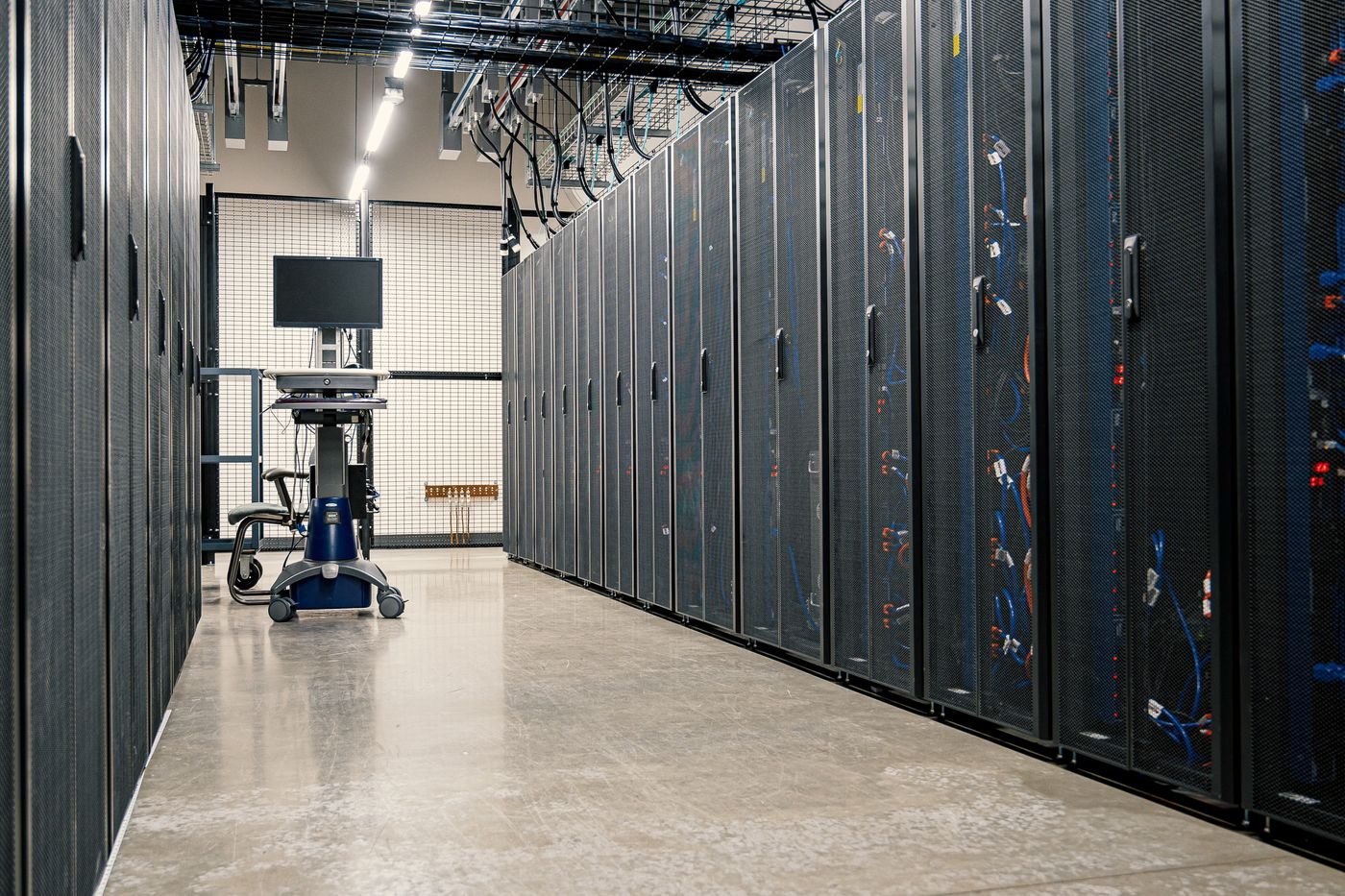
At the bottom sit the data centers. Rows of servers, storage and network gear, grouped into regions and zones. The grouping is on purpose. If one zone loses power, the rest keep going. Google Cloud’s page on regions and zones shows what this looks like at a real provider.
Above that is virtualization. Software called a hypervisor (or lighter containers) splits each physical machine into many separate virtual ones, so lots of customers can share the same box without seeing each other’s work.
Above that comes the management layer. It decides where jobs run, moves traffic around, adds capacity when things get busy, and keeps count for the bill.
You only ever touch the top: a web console, a command line, an API.
The thing beginners often miss is that cloud architecture assumes stuff will break. Disks die. Cables get pulled. So data is copied to several places and recovery is automated. When you talk to a provider, ask three blunt things:
- Where does my data physically live?
- How is it backed up?
- What happens if a whole zone goes down?
If the answer is vague, treat that as an answer.
Why Does Cloud Architecture Affect Your Bill?
People do not expect this one. A system that grows by adding small pieces of capacity is cheaper to scale than one you have to rebuild every time you outgrow it. Loosely connected parts also fail more gently, so one broken piece does not take everything down with it.
And if someone on your team does the same task by hand every week, automate it. I have seen that single habit save more money than any discount code. Our guide to business process automation covers how to spot those tasks. Look at the design again every few months too, because your workload has probably changed even if the diagram has not.
What Is the Difference Between IaaS, PaaS and SaaS?
The difference is how much of the system you run yourself. IaaS gives you raw infrastructure, PaaS gives you a ready platform for your code, and SaaS gives you finished software.
| Model | What you get | What you look after | Everyday example |
| IaaS | Virtual machines, storage, networks | Operating system, apps, data | Hosting a custom application |
| PaaS | Runtime, databases, developer tools | Your code and your data | Shipping a web app without managing servers |
| SaaS | Finished software | Your users and settings | Gmail, Zoom, HubSpot |
IaaS is raw infrastructure. You install the operating system, run your apps and manage your data. It is great if you have strong engineers and want control.
PaaS is a ready-made platform. You look after your code and data, nothing else. Developers like it because they can ship a web app without thinking about servers at all.
SaaS is the finished product. Email, CRM, project management. Log in and go.
You have used SaaS for years, probably without the label. Gmail, Zoom, your accounting tool. HubSpot is a good example, and our HubSpot login and account setup guide shows what getting started with a hosted product looks like. More like it sit in our Technology and SaaS section.
The trade is simple. SaaS updates itself and needs no installing, but you get little say over features or where your data is stored. Slide toward IaaS and you get more control, and more homework.
Should You Use Public, Private or Hybrid Cloud?
Most businesses new to cloud computing should start with public cloud, move sensitive workloads to private cloud only when rules demand it, and use hybrid when they truly need both.
Here is the quick version. Public cloud is owned by a provider and shared by many customers. Private cloud is built for one organization. Hybrid is both, connected. NIST also mentions a community cloud for groups with similar needs, but you will rarely see one in practice.
Public is the cheapest to start and the fastest to scale. You give up some control over the hardware. Private gives that control back and makes strict regulations easier to meet, but it costs more and somebody has to run it.
Hybrid is the middle road. A hospital, for instance, might keep patient records on its own systems and rent public capacity for its website and for testing new software.
Plenty of companies end up hybrid by accident. It shows. The ones who plan it, deciding early which workloads must stay close and which can go anywhere, usually have a much calmer time. It is an architecture choice, not just a shopping decision.
What Is a Multi-Tenant Cloud?
A multi-tenant cloud is one shared system that serves many customers while keeping each customer’s data separate.
It is also the reason cloud prices can be so low. The provider does not build a separate setup for every customer, so the cost is spread around.
What Is a Cloud Tenant?
One customer. One team, one company. That is the tenant.
Think of a co-working space. Shared building, shared Wi-Fi, shared meeting rooms. But each company has its own locked office. In a multi-tenant cloud design, the lock is software: access controls, separate databases or schemas, and encryption. Some people search for this as “tenant cloud”, and it points to the same idea.
Here is the part worth knowing. The separation is logical, not physical. Nobody gets their own hardware by default, so the provider has to enforce the boundary on every single request. Good ones do. Some will also sell you stronger isolation, like a dedicated database, if your compliance rules need it.
What Are the Pros and Cons of Multi-Tenancy?
Costs are lower and updates happen automatically. That is the good side. The catch is that a noisy neighbor can slow you down when another tenant gets busy, and you are trusting someone else’s isolation work.
Single-tenant gives you steadier performance and more control. It also costs more, and you do more of the upkeep yourself.
Most SaaS products are multi-tenant. Honestly, that is how a five-person team can now use software that only big companies could afford twenty years ago.
Is a Multi-Tenant Cloud Acceptable for Regulated Data?
It depends on the rules in your industry and country. Some regulations are fine with logical separation plus encryption. Others push you toward dedicated databases or single-tenant setups. Check the rules before you decide, not after.
How Do You Choose the Right Cloud Solutions?
Start with the job, not the vendor. What are you running? How sensitive is the data? How much traffic do you expect? What can you afford each month? Write those down first. Then go shopping.
Cloud solutions cover a lot of ground: storage and backup, app hosting, managed databases, analytics, AI services and collaboration tools. Hardly anyone buys just one. A bakery chain, for example, might use a SaaS point-of-sale system, cloud storage for invoices and photos, and a managed database for online orders. Three tools, maybe three providers.
What Should You Ask a Cloud Provider Before Signing?
- Where can my data sit? A rule like GDPR may limit which countries you can store customer data in.
- What happens to the bill if usage doubles? Pay-as-you-go is great until nobody checks it.
- How hard is it to leave? Ask whether you can export your data cleanly, and in what format.
- Who will manage this day to day? Skills matter as much as features.
One habit pays off every time: ask each vendor to explain its cloud architecture in plain language. Regions, backups, failover. If they cannot, you have learned something.
If your team is short on technical people, outsourcing is a sensible option. Our IT outsourcing guide covers services, costs and how to choose a partner.
How Do You Test a Cloud Solution Before Committing?
Price the total usage, not the headline rate. Storage, data transfer and support often cost more than the compute everybody fixates on.
Then run a pilot. Move one low-risk workload, leave it for a month, and study the real numbers. You will also see how quickly support answers, whether the invoice makes sense, and how easy it is to change your setup. A month of real data beats any sales deck I have ever sat through.
Who Is Responsible for Cloud Security?
Both of you. Security in cloud computing is shared: the provider secures the underlying infrastructure, and you secure what you put on top of it.
AWS describes this in its shared responsibility model as security “of” the cloud versus security “in” the cloud. Data centers, hardware and virtualization belong to the provider. Accounts, access, data and configuration belong to you. Depending on the service model, the operating system and applications may be yours too.
And this is where most trouble starts. A storage bucket left open to the public. An admin account with no multi-factor authentication. Boring mistakes, expensive results.
Access rules are part of this. Give people only what their role needs, the same way a well-run CRM does. If you have ever been locked out of a record and wondered why, our post on the Salesforce insufficient privileges error shows least-access rules working in real life.
How Should You Protect Cloud Keys?
A cloud key, whether it is an encryption key or an API key, is basically a master key to your data and services. Keep it in a managed key service, not in your code or a shared document. Rotate it regularly. Give each key only the access it needs.
After that, the habits are short:
- Least access for every account.
- Multi-factor authentication, admins first.
- Encryption for stored and moving data.
- Logs that someone actually reads.
- Backups you have actually tested.
That last one gets skipped more often than anyone admits.
What Is the Future of Cloud Computing?
AI, mostly. Training and running models needs specialized hardware like GPUs, rented by the hour, and providers now package ready-made models as services you can plug into your own tools.
Edge computing is growing too. Processing moves close to the device, in factories, vehicles and shops, where delay matters.
Some organizations are also splitting their work across several providers so they are not stuck with just one. Containers and open standards make that far easier than it used to be.
Rules about where data can be stored are getting stricter every year, so clearer regional controls are on the way. Serverless tools already let a team ship code while the platform takes care of scaling, and AI is slowly making its way into cost control and incident response. Buyers have started asking harder questions about energy use and emissions as well.
Over the next few years, cloud architecture will most likely lean even more on automation, with fewer manual steps between an idea and a live service. The multi-tenant model should keep spreading too, because isolation options keep getting better.
Still, the basics will not change. Cloud computing pays off for people who plan before they buy. Learn how architecture, multi-tenancy and shared responsibility work today, and whatever comes next will be much easier to handle.
Frequently Asked Questions
What is cloud computing in simple words?
It means using someone else's computers over the internet rather than owning your own. You rent storage, processing power or software, make it bigger or smaller whenever you need, and pay only for what you use.
What are the three types of cloud services?
There are three: IaaS, PaaS and SaaS. They stand for infrastructure, platform and finished software. The nearer you get to SaaS, the less you control and the less work you have to do.
What is a cloud tenant?
A cloud tenant is one customer or organization using a shared service. All tenants sit on the same infrastructure, but software keeps each tenant's data and settings separate from everyone else's.
Is a multi-tenant cloud safe?
In most cases, yes. It depends on the provider enforcing strong isolation, encryption and access control, and on you setting up your own accounts correctly. If your compliance rules are strict, single-tenant options are worth a look.
How much do cloud solutions cost?
There is no single number. The price depends on usage, storage, data transfer and the level of support, and many providers bill by the hour or by the gigabyte. A small pilot with real traffic will tell you more than any price list.
Should a small business choose public, private or hybrid cloud?
Most small businesses start with public cloud, because it is cheap and quick to set up. Private or hybrid only makes sense when regulations, sensitive data or performance needs truly call for it, and that usually happens later, not on day one.